HOTSPOT
Hotspot and guest Wi-Fi: SMS-verified, Law 5651 compliant.
Your visitors connect easily with SMS verification, while you keep a record of who connected, when and from which device.
Key Capabilities
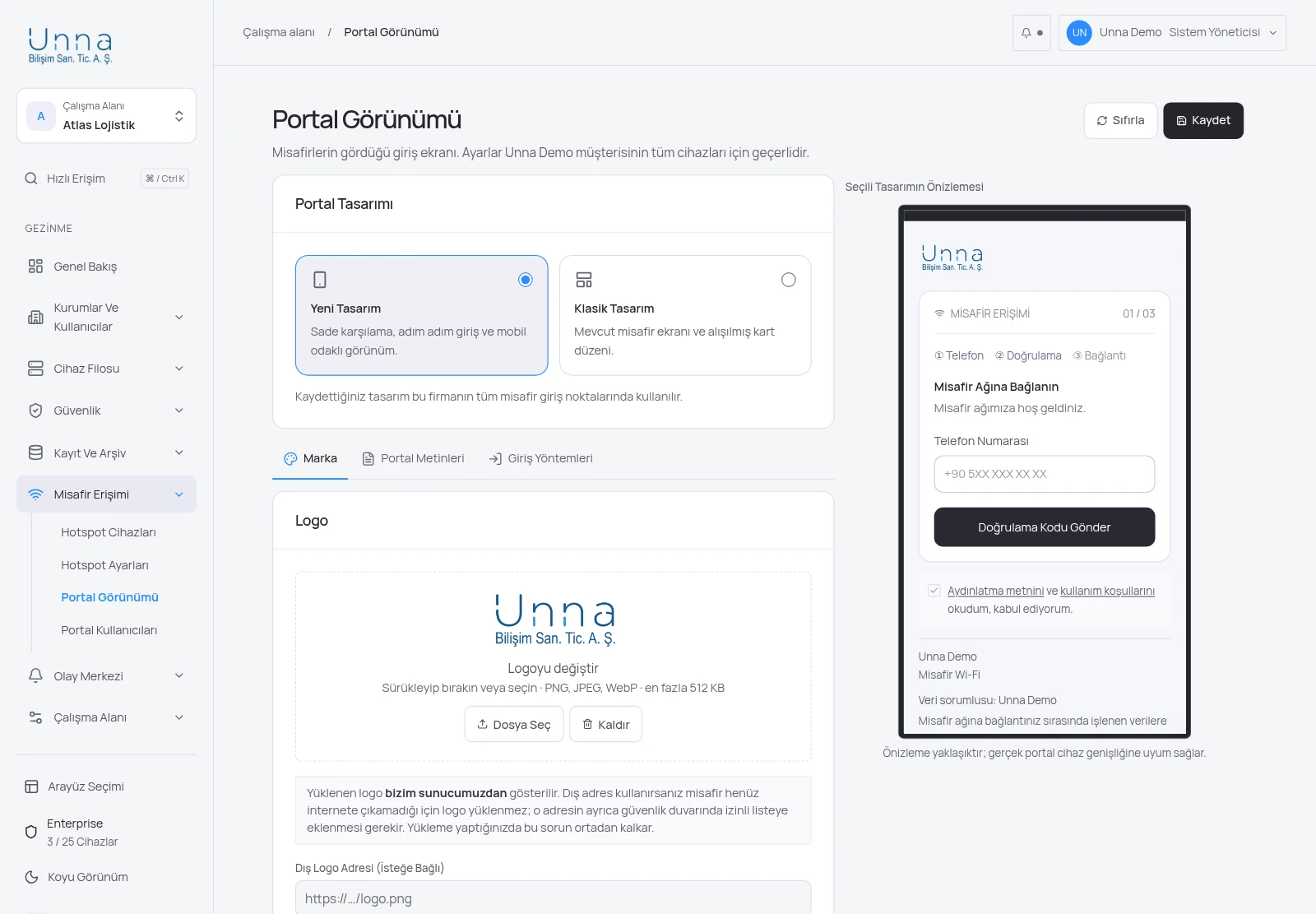
The visitor enters a phone number and signs in with a one-time code. Username and password sign-in can also be enabled for internal use.
Upload your logo directly in the panel; colours, welcome text and contact details are yours. You do not need to allow an external domain.
The privacy notice and explicit consent are shown in the portal. Commercial message consent is collected separately and optionally, and the consent record is retained.
Every session is recorded with identity, device and time details, and passes into the signed daily 5651 archive.
The visitor journey
Selects the guest network; the welcome page opens automatically.
Enters the one-time code sent to their phone and gives consent.
Session and access records are written to the signed daily archive.
How many devices do you have? Let us work out the rest.
Fill in the two-minute wizard; we will send a tailored quote within one business day.